
Feature — Staff & Commission
Commission is settled at the till, not reconstructed at the end of the week — and the numbers each role sees are controlled by design.
Commission is calculated automatically at the moment of sale, including split services, while cost and profit figures stay visible only to the Owner role — enforced on the server, not just hidden on screen.
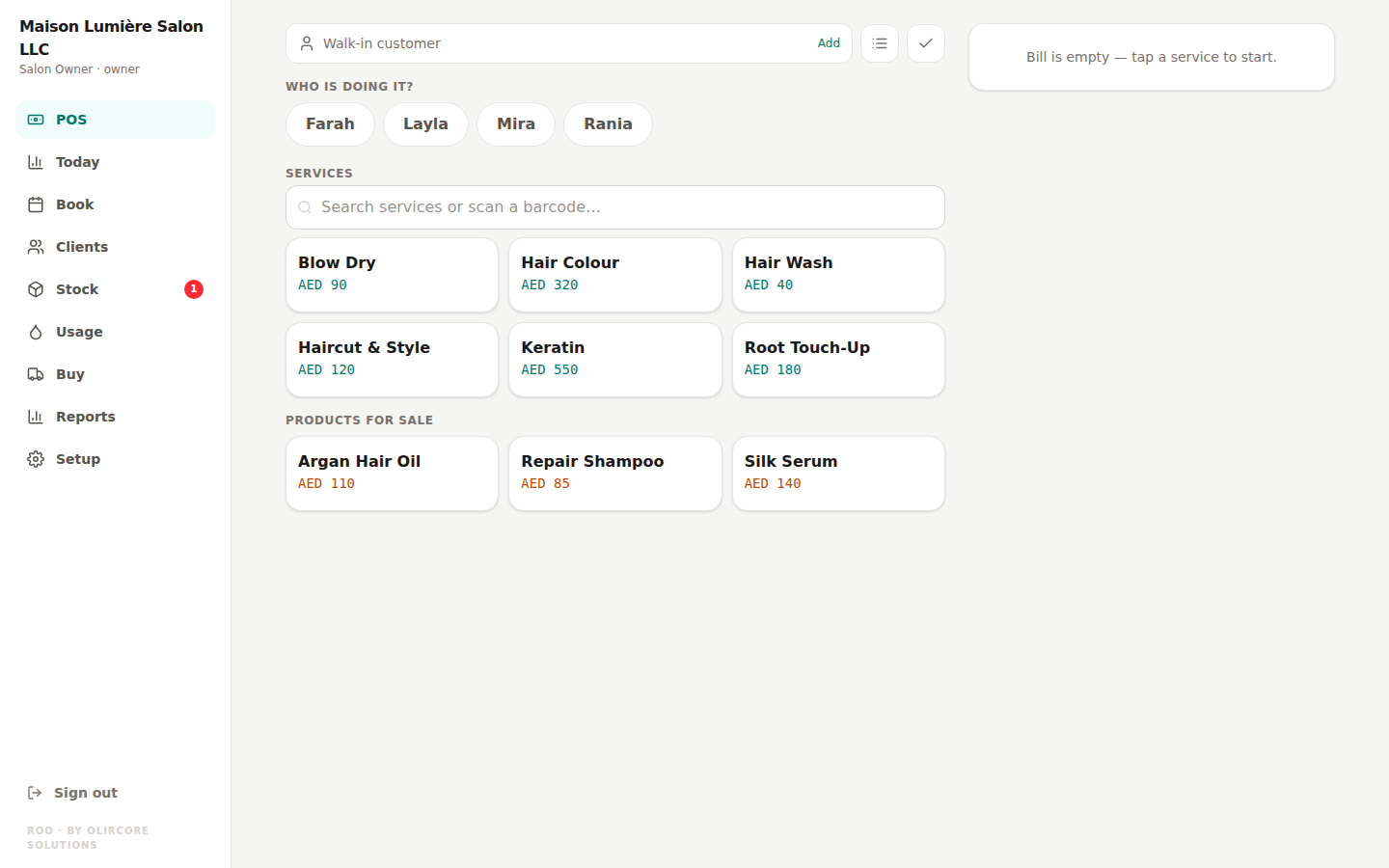
Commission calculated the instant a sale happens
Every ticket carries its own commission split, including services performed by more than one staff member. There's no separate spreadsheet to reconcile against the till at the end of the month — the figure is generated the same moment the sale is made.
- Split-service commission divided automatically between the staff involved
- Every staff member can see their own sales and commission figures
- Roles: Owner, Cashier, Stylist, Receptionist — each with access matched to their job
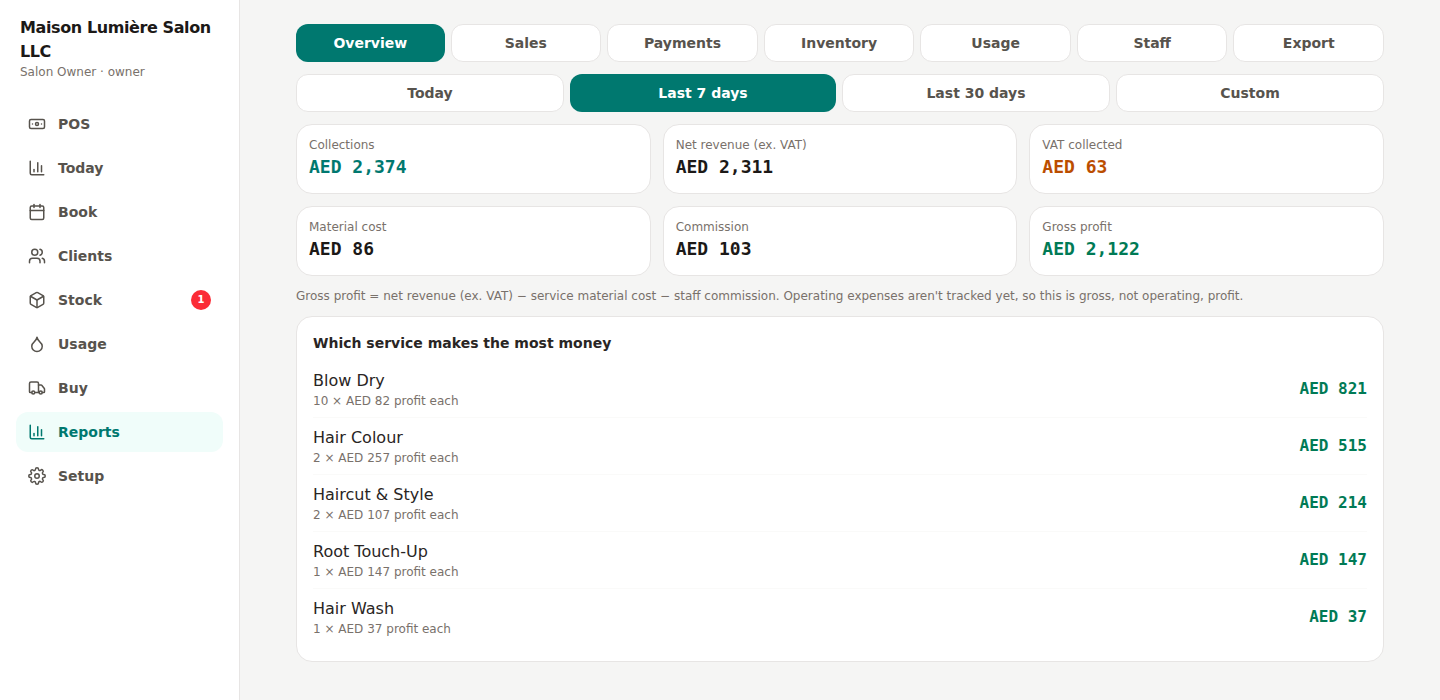
Cost and profit stay owner-only, by design
Cost price, average cost, and profit figures are visible only to the Owner role — and this isn't just hidden in the screen layout, it's enforced on the server, so a Cashier or Stylist account is never sent that data in the first place. It's a deliberate control for salons where the owner isn't always the one at the till.
Staff & Commission — frequently asked
Can a Cashier see how much profit the salon made today?
How is commission split between two stylists on one service?
Give every role exactly the access they need
Free for every salon until 31 December 2026 — no card required.
Start Free Trial