
Feature — POS & Billing
Roo's checkout is built for a salon floor: services and retail products in one ticket, correct tax on every receipt, and nothing that slows down a busy Saturday.
Roo's POS lets a cashier ring up services and retail products in one ticket, split payments, hold a ticket, override a line's price, and issue a VAT-correct receipt by print, email, or WhatsApp — with commission settled automatically at the same moment.
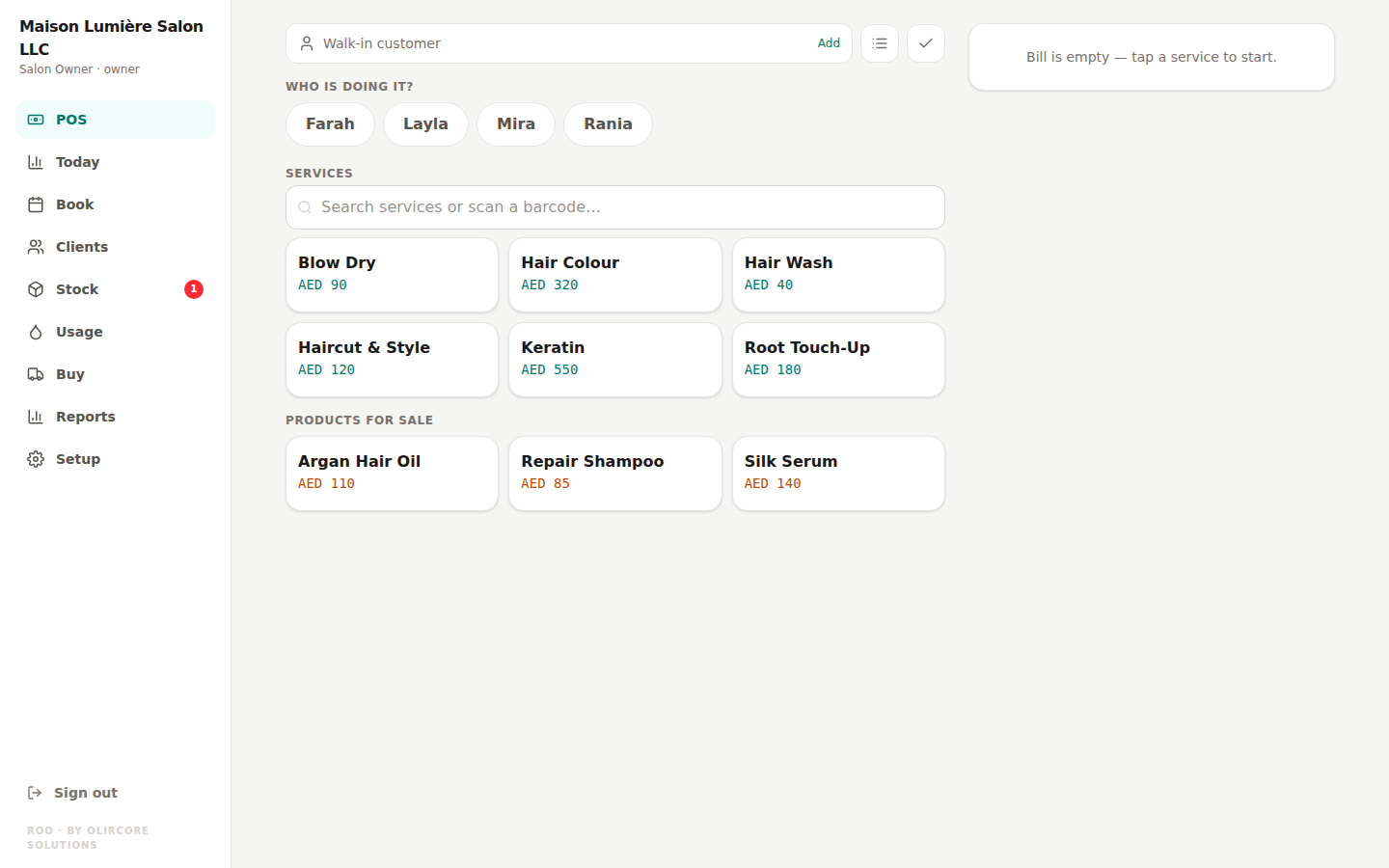
Ring up a sale the way a salon actually works
A ticket can mix services and retail products, split across more than one staff member, priced per line if a discount or adjustment is needed on the spot.
- Hold or "park" a ticket and come back to it later without losing the line items
- Split a single payment across cash, card, or another method
- Override a line's price when a judgment call is needed at the till
- Process a partial refund against specific lines, not the whole ticket
- Redeem a voucher directly at checkout
Tax-ready, on every receipt, automatically
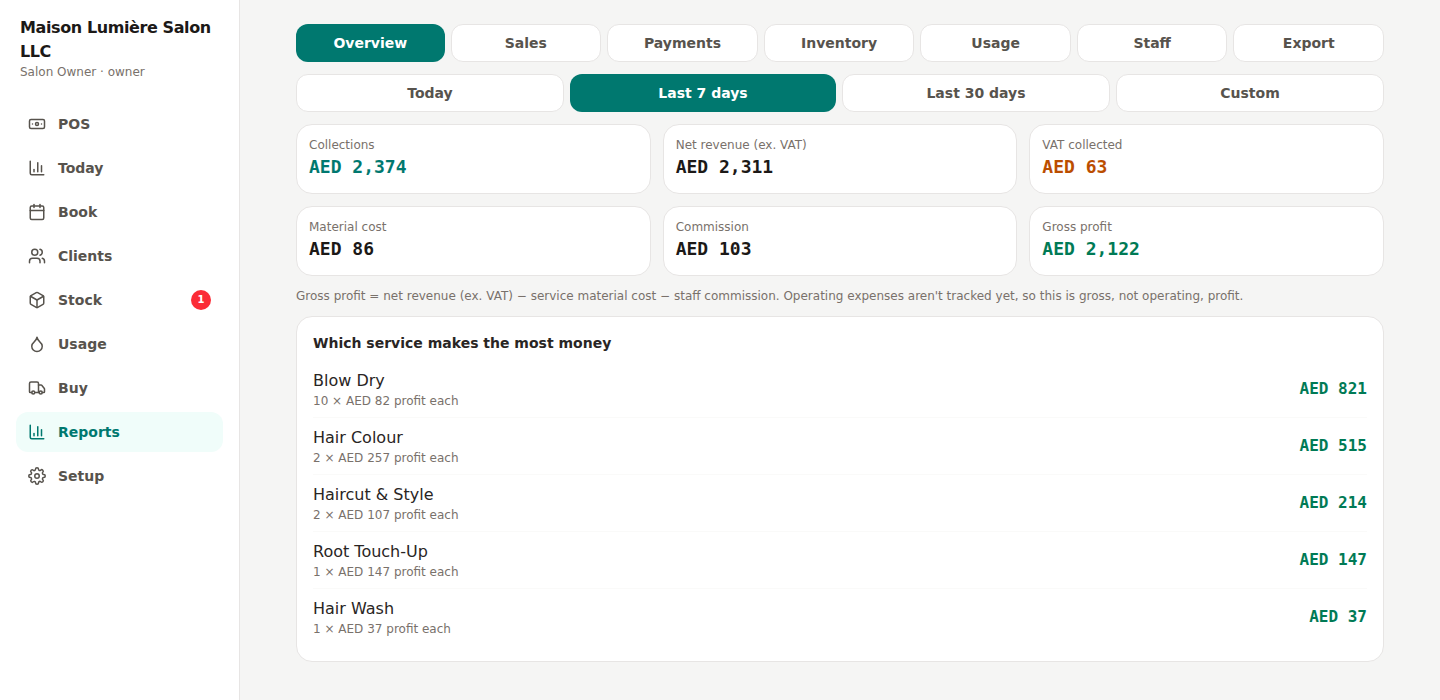
Each branch has its own VAT setting — inclusive or exclusive pricing, and its own Tax Registration Number — wired straight through the checkout, the receipt, and every report. The cashier never has to think about it; it's correct by construction, not by double-checking.
Receipts go out by print, email, or WhatsApp — the WhatsApp option opens a pre-filled message in the customer's own WhatsApp, so there's no extra app or account for anyone to set up.
Commission is settled the moment the ticket closes
When a sale includes a split service — two stylists working one client — Roo divides the commission between them automatically at the point of sale, using the split already recorded on the ticket. Nobody re-does the math at the end of the week. See Staff & Commission for how visibility is controlled by role.
Connected to the rest of Roo
Every sale updates everything else.
Inventory
Every product sold draws down stock the same instant — see Inventory.
Appointments
An appointment converts straight into a ticket with one click — see Appointments.
Reports
Revenue, VAT, and profit reflect the sale immediately — see Reports & Expenses.
POS & Billing — frequently asked
Can a cashier apply a discount without asking a manager?
What happens if a customer needs a partial refund?
Try the checkout yourself
Free for every salon until 31 December 2026 — no card required.
Start Free Trial