
Feature — Appointments
A booking screen built for the front desk to run the day — not a public marketplace with a cut of every client.
Front-desk staff book, reassign, and convert appointments into paid tickets inside Roo itself. There's no public online booking widget — that's deliberate, so the client list and booking history stay with the salon rather than a third-party marketplace.
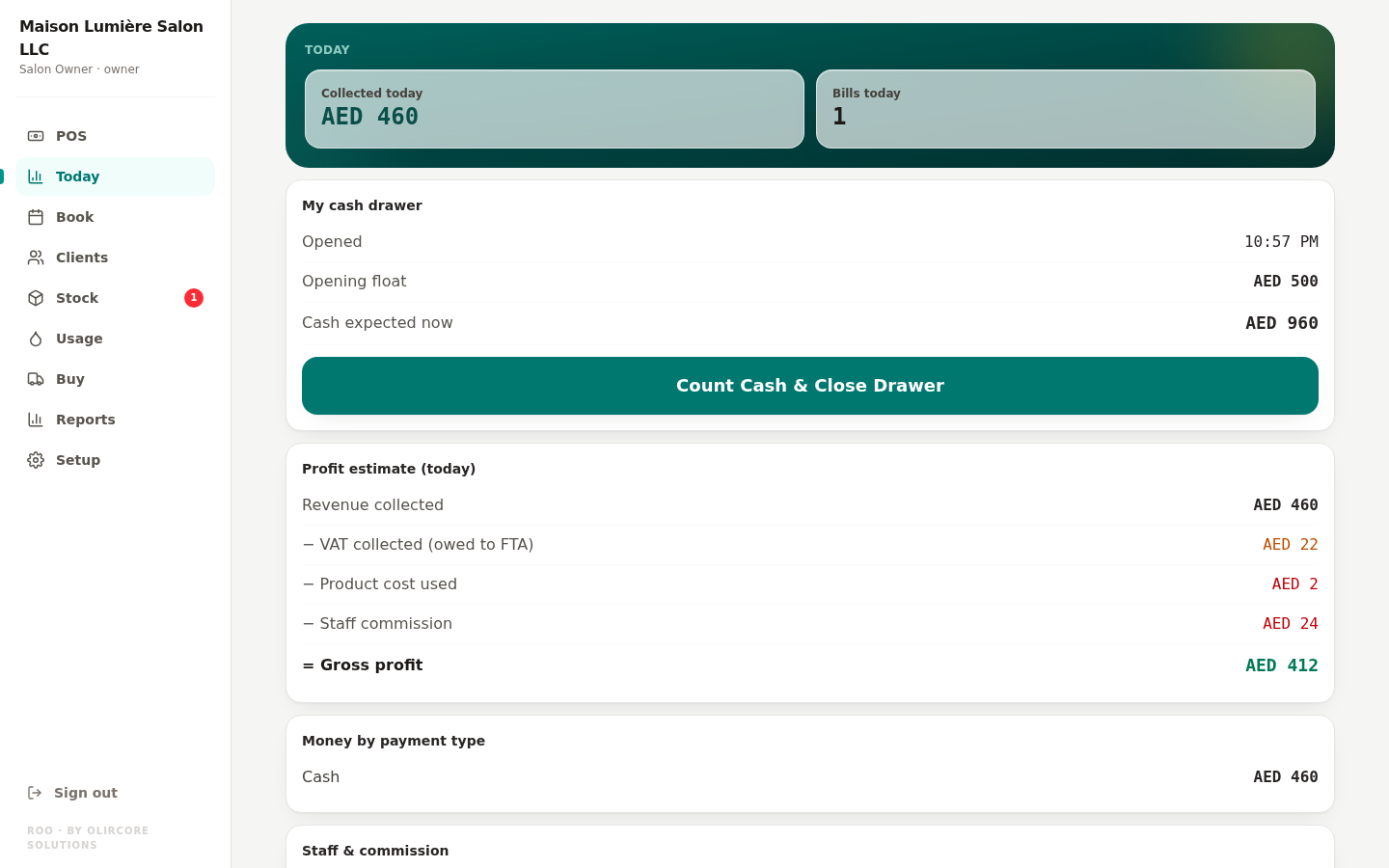
Book, reassign, and convert — without leaving one screen
Front desk staff book an appointment with one or more services and one or more staff members on a single line. If a stylist calls in sick or a client asks for someone else, the appointment can be reassigned to another staff member — with a reason recorded and a full history kept, not silently overwritten.
- Multi-service, multi-staff appointment lines
- Staff reassignment with reason and history
- "Convert to sale" turns a finished appointment straight into a POS ticket — see POS & Billing
- Bulk cancel a full day's appointments when a branch needs to close unexpectedly
A deliberate choice
Booking stays inside your salon's own system.
Appointments in Roo are entered by your staff — there's no public booking widget or client-facing marketplace page today. That's by design: it keeps your client list and booking history inside your own account, not on a platform that takes a commission on every booking. See Home for how this compares to typical booking apps.
Appointments — frequently asked
Can two staff members be booked on the same appointment?
What happens to an appointment if a stylist is reassigned?
Run your booking day inside Roo
Free for every salon until 31 December 2026 — no card required.
Start Free Trial